How to Fix IPTV Buffering Once and For All
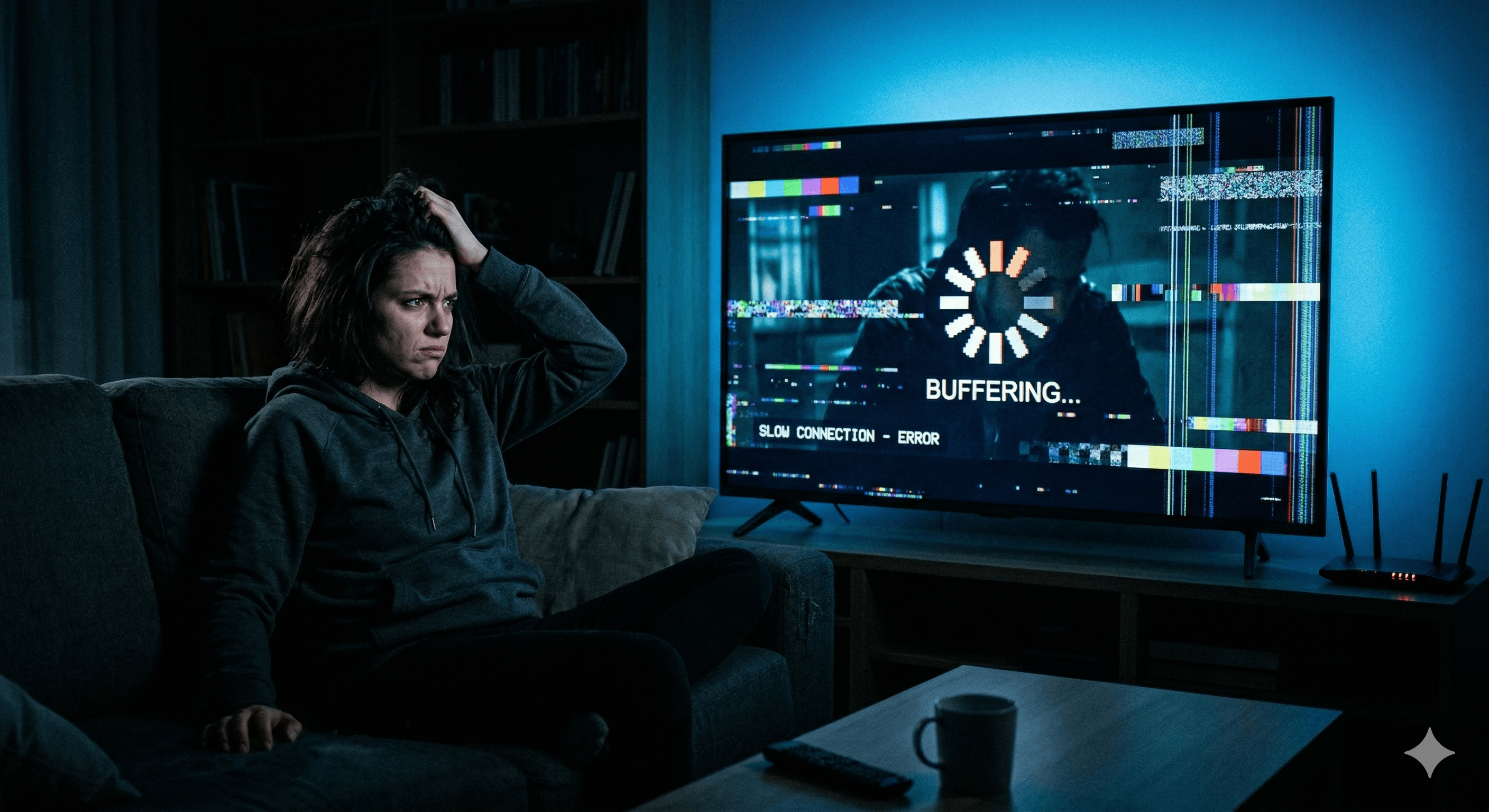
IPTV buffering is the most common complaint among streaming users, and it's almost always fixable. The spinning wheel appears, the stream freezes, and your evening is ruined — but 9 times out of 10, the root cause is something you can solve in under 10 minutes.
This guide walks through every cause of IPTV buffering and the exact fix for each one, starting with the most common culprits.
Step 1: Run a Speed Test First
Before changing anything, test your actual internet speed. Open a speed test on the same device you stream on (or as close as possible):
Minimum speeds for IPTV:
- SD (480p): 5 Mbps
- HD (720p/1080p): 10 Mbps
- Full HD (1080p, stable): 20 Mbps
- 4K: 40–50 Mbps
If your speed is below these thresholds, your internet is the problem — not your IPTV app or provider. Contact your ISP or upgrade your plan.
If your speed is well above these numbers, read on — the issue is elsewhere.
Fix 1: Switch from 2.4GHz to 5GHz Wi-Fi
This single change fixes IPTV buffering for a huge number of users.
Why it matters:
- 2.4GHz has longer range but is slower and shared by many devices and neighboring routers
- 5GHz is faster and far less congested — ideal for streaming
How to switch:
- On your streaming device, go to Wi-Fi settings
- Disconnect from your current network
- Connect to your router's 5GHz network (usually labeled with "5G" or "_5" at the end)
If the signal is too weak at your location, move your router closer or invest in a Wi-Fi extender for the 5GHz band.
Fix 2: Use a Wired Ethernet Connection
For the most stable IPTV streaming, wired beats wireless every time. If your device supports ethernet:
- Smart TVs usually have a built-in LAN port
- Fire TV Stick 4K Max supports ethernet via a USB-C adapter
- Android TV boxes typically have a built-in LAN port
A wired connection eliminates Wi-Fi interference and packet loss — two major causes of IPTV buffering.
Fix 3: Restart Your Router (Properly)
Not just a quick power cycle — do a full restart:
- Unplug your router from the wall
- Wait 60 full seconds (not 10)
- Plug back in and wait for it to fully reconnect (2–3 minutes)
- Test your IPTV stream
Routers accumulate connection state over time. A proper restart clears this and often resolves intermittent buffering that appears after days of uptime.
Fix 4: Adjust Buffer Settings in Your IPTV App
Most IPTV apps let you manually set the stream buffer size. Increasing it gives the app more time to load content before playback starts, which absorbs network hiccups.
In IPTV Smarters Pro:
- Settings → Player Settings
- Set Buffer Size to 30–60 seconds
- Switch video player from FFmpeg to ExoPlayer (more reliable on most devices)
In TiviMate:
- Settings → Playback
- Increase buffer time to 10–30 seconds
- Enable Hardware Decoding if not already on
Fix 5: Clear Cache on Your Streaming Device
A full cache slows down your device and causes IPTV buffering, especially on Fire TV Stick and Android devices.
On Fire TV Stick:
- Settings → Applications → Manage Installed Applications
- Select your IPTV app
- Tap "Clear Cache"
- Also clear cache for the Amazon Video app and Home launcher
On Android TV:
- Settings → Apps → [IPTV app name]
- Tap "Clear Cache"
- Also go to Settings → Device Preferences → Storage → Free up space
Fix 6: Reduce Other Devices on Your Network
Every device on your network competes for bandwidth. During IPTV streaming:
- Pause large downloads (game updates, OS updates, backups)
- Pause other heavy streams (other TVs, YouTube 4K on phones)
- Use QoS (Quality of Service) on your router to prioritize streaming traffic
Most modern routers have a QoS setting under Advanced Wireless settings. Assign high priority to your streaming device's MAC address.
Fix 7: Try a Different IPTV Server Stream
Many IPTV providers offer multiple server URLs or backup streams. If one stream is buffering, it may be due to server load — not your internet.
- Check if your provider has a backup server URL
- Switch to an alternate stream quality (e.g., from 4K to 1080p if 4K buffers during peak hours)
- Some apps label streams as "UK1", "UK2", "EU1" etc. — try a different one
Fix 8: Use a VPN (Sometimes Fixes Throttling)
Some ISPs deliberately throttle streaming traffic, especially in the evenings. This causes IPTV buffering even when your base speed is fast.
How to tell if ISPs are throttling:
- Speeds are fast during the day but slow at night
- Speed tests show good results but IPTV still buffers
- Non-streaming traffic (web browsing, downloads) is fast
A VPN encrypts your traffic so your ISP can't identify and throttle streaming packets. Connect to a server near your physical location for best results. See our guide: Best VPN for IPTV Streaming
Fix 9: Check Your PlayAffordvider's Status
If none of the above helps, the issue may be on your provider's servers — especially during major live events like Champions League finals or big boxing matches when server load spikes.
- Contact your provider's support (most offer WhatsApp or Telegram)
- Ask if there are known server issues
- Ask for a test line to confirm the issue is server-side
A quality IPTV provider maintains 99.9% uptime and will compensate for downtime. Our service includes 24/7 support via WhatsApp.
Buffering Diagnosis Checklist
| Check | Action | |-------|--------| | Speed below 10 Mbps | Upgrade internet or fix Wi-Fi | | On 2.4GHz Wi-Fi | Switch to 5GHz | | Buffer size too small | Increase to 30–60s in app settings | | Cache full | Clear cache on device | | ISP throttling | Enable VPN | | Server-side issue | Contact IPTV support | | Peak hours congestion | Lower stream quality or use backup server |
Work through this list top to bottom and you'll eliminate IPTV buffering in virtually every case.
Still having issues? Contact our support team — we'll diagnose and fix the problem with you directly.
Share this article